The 2026 comparison
The best graphing calculator apps, tested.
A new handheld graphing calculator costs $100–150. The apps below do the same job for a fraction of that — some for free. We compared the nine most popular options for iPhone, iPad, Android and Mac — including TI's own TI-84 Evo online calculator. Same keypads, honest verdicts. Texas Instruments still has no phone app; independent apps such as Taculator 84 are intended for use with the TI-84 Evo and TI-84 Plus CE.
Our picks at a glance
Taculator 84
Overhauled 2026 menus and MathPrint input. The keystrokes your teacher shows in class work the same way: y=, window, zoom, trace, graph. No ads, free graphing, free for schools.
Free · Pro lifetime $7.99 promo (regular $29.99)
View on the App Store
GraphNCalc84
Pay once, own every feature — like the handheld, minus $120. No subscription, no ads. Now on Android too. The simplest deal in this comparison.
$9.99 one-time on iOS · Lifetime unlock on Android
View on the App Store Get it on Google Play
Desmos
Excellent, completely free, and built into the digital SAT's testing app. The trade-off: its own modern interface — not the TI-84 workflow your class may run on.
Free
Open Desmos
TI-84 Evo online
TI's own web version of the new Evo — the exact factory OS with P.O.I. and the reworked stat menus. But: browser-only, sign-in and internet required, and the 4-year license comes bundled with the Evo handheld. No phone or tablet app.
4-year license bundled with the Evo handheld
TI-84 Evo onlineAll nine apps, side by side
Prices shown are in US dollars. "84-style keypad" means the app reproduces the layout, menus and entry syntax of the classic classroom handheld, so textbook instructions and muscle memory carry over.
Taculator 84
Editor's choiceOverhauled 2026 menus and MathPrint input, with the familiar key names and menu order: the keystrokes your teacher shows in class work the same way, so what you learn there carries over. The 2.0 update added the Evo-style home screen, Points-of-Interest tracing and the reworked statistics menus. It covers all four platforms — iPhone, iPad, Mac and Android — with 14 keyboard themes and no ads in any tier. Graphing is completely free and works offline, and the school program (full app free for districts via Apple Custom Apps) is unique in this comparison.
GraphNCalc84
Best one-time buyGraphNCalc84 brings the complete 84-style calculator to iPhone, iPad, Mac and now Android: function graphing, statistics and regressions, distributions, matrices, lists and programming. On iOS, buy the app once for $9.99; on Android, unlock it through a one-time lifetime in-app purchase. No ads or recurring subscription. App Store · Google Play.
TI-84 Evo online
From Texas InstrumentsThe exact new Evo OS — including Points-of-Interest tracing and the reworked statistics menus — running as an online graphing calculator in your browser. Made by Texas Instruments itself and approved together with the Evo handheld for SAT, ACT, AP and IB exams, it's the natural companion for classrooms standardizing on Evo hardware. The trade-offs: sign-in and a constant internet connection are required, the 4-year license only comes bundled with Evo hardware, and there's no phone, tablet or offline app.
Calc84 AI
Calc84 AI connects your worksheet to your calculator. Scan printed or handwritten math and data tables, review the recognized setup, then tap Insert to populate functions, lists and graph settings directly. An affordable lifetime purchase unlocks the calculator permanently with a starter AI allowance; Advanced AI Plus and Pro subscriptions provide larger scan and tutor allowances. Ad-free on iPhone, iPad, Mac and now Android. See why scan-to-calculator changes the workflow. App Store · Google Play.

Calculate84
Polished and visually close to the original TI-84, with an institutional program for schools and large download numbers on the App Store. The downside is ads: its free version is ad-supported, and recent reviews increasingly complain about intrusive video ads and formerly free features moving behind the paywall. Taculator 84, by contrast, shows no ads in any tier. iOS and iPadOS only; using Calculate84 ad-free requires a purchase.
NCalc – Graphing Calculator 84
A classic TI-84 layout paired with an expanded polynomial equation solver (up to degree 5) and the cheapest lifetime unlock in this comparison at $5.99. Note: despite store marketing mentioning a computer algebra system, it functions as a purely numerical calculator — it does not perform symbolic calculus (derivatives or integrals) or symbolic algebra on the home screen. Available for iOS and Android; free version is ad-supported.
Graphing Calculator X84
A straightforward TI-84-style calculator app for iPhone with the familiar keypad layout — fine for casual graphing and quick homework checks. The free version covers the basics; the $9.99 PRO upgrade removes ads and unlocks the advanced functions. Like Calculate84, user reviews frequently criticize the ad frequency, and there's no Android or desktop version.
Wabbitemu
EmulatorThe only true TI-84 emulator in this list: Wabbitemu runs the actual Texas Instruments operating system, so every menu and every quirk matches the real handheld exactly. The catch: you have to create a ROM image from your own TI calculator, setup is technical, and there's no iOS version. Free for Windows, Mac and Android — the right choice for tinkerers who already own TI hardware.
Desmos
Best freeThe best completely free graphing calculator available: fast, beautiful, and built into the digital SAT's Bluebook testing app — for SAT practice, nothing beats it. It runs in any browser and as an app on iOS and Android, with no ads and no paywall. Just note that Desmos is not a TI-84: there's no 84-style keypad, so teacher demos and textbook keystroke instructions won't carry over to your class.
Spotted an error? Email contact@graphingcalculatorapps.com and we'll fix it.
How we compare
Every app in this list was installed and run through the same coursework checklist — from entering functions in Y= to distribution functions. Prices and platform availability are re-checked before each update.
Taculator 84 Editor's choice
Taculator 84 is an independent graphing calculator app intended for use with the TI-84 Evo and TI-84 Plus CE. Overhauled 2026 menus and MathPrint input, and the keystrokes your teacher shows in class work the same way: y=, window, zoom, trace, graph. What you learn in class carries over, including on the days the handheld is not at hand. The 2.0 update added the Evo-style home screen, Points-of-Interest tracing and the reworked statistics menus. It runs natively on iPhone, iPad, Mac and Android, with no ads in any tier. Graphing is completely free; the advanced Pro functions are currently on promo for a $7.99 lifetime unlock (regular $29.99, or subscription options). It also ships 14 keyboard themes and the only meaningful school program in this comparison: districts get the full app free via Apple Custom Apps.
GraphNCalc84 Best one-time buy
If subscriptions annoy you, this is the pick: pay once, own the complete calculator — like the handheld, minus $120. GraphNCalc84 includes graphing, statistics, matrices, lists and programming with no ads. Buy it for $9.99 on iOS or unlock it for life on Android. Available on iPhone, iPad, Mac and Android.
TI-84 Evo online From Texas Instruments
With the Evo, Texas Instruments finally put the 84 in the browser: the exact factory OS, including the new Points-of-Interest tracing and the reworked statistics menus. For classrooms standardizing on Evo hardware, it's the obvious companion — schools get 50 licenses per 10-pack of teacher devices, and the Evo handheld itself is approved for SAT, ACT, AP and IB. The limits are structural: it runs only in the browser with sign-in and an internet connection, the 4-year license is bundled with the Evo handheld rather than sold on its own, and there is no phone, tablet or offline app. If your calculator lives on your phone, a native app remains the more practical choice.
Calc84 AI
The breakthrough is what happens after the scan: equations and tables become working calculator inputs. Review the setup, tap Insert, then graph, calculate or analyze your data without copying it all by hand. The low-cost lifetime purchase keeps the calculator unlocked and includes a starter AI allowance; Advanced AI Plus and Pro subscriptions add larger scan and tutor allowances. Available on iPhone, iPad, Mac and now Android. Read the feature story.
Calculate84, NCalc & Graphing Calculator X84
The ad-supported tier. Calculate84 is polished and close to the original look, but its free version shows ads, and recent reviews increasingly complain about intrusive video ads and paywalled features. Taculator 84 has no ads in any tier. NCalc – Graphing Calculator 84 offers an expanded polynomial solver and the cheapest lifetime unlock ($5.99), though it remains purely numerical without true symbolic CAS capabilities. Graphing Calculator X84 is iOS-only with similar ad complaints. All three work, but read the recent reviews before committing.
Wabbitemu For tinkerers
Wabbitemu emulates the actual TI operating system, which nothing else here does. The trade-offs: you must create a ROM image from your own calculator, there's no iOS version, and it feels like the emulator it is rather than a native app.
Desmos Best free
Desmos is free, excellent, and the calculator built into the digital SAT's testing app — for SAT practice, nothing beats it. Just know it doesn't use the TI-84 workflow: if your teacher demonstrates keystrokes on an 84, you'll be translating between two systems.
Computer Algebra Systems (CAS)
Need symbolic math? The CAS graphing calculator pick.
Standard TI-84 calculators are purely numerical — they compute decimal approximations. For advanced algebra, AP Calculus, differential equations and college engineering, you often need a CAS (Computer Algebra System) like the classic TI-89 Titanium: exact fractions, factoring, symbolic derivatives and algebraic integrals.
While Texas Instruments never released an official TI-89 app for mobile devices, modern independent apps now bring full CAS capabilities to your phone and tablet.
Calc89 CAS
Top CAS PickModeled after the TI-89 Titanium workflow, Calc89 CAS Graphing Calculator delivers exact symbolic algebra, step-by-step derivatives, integrals, limits, Taylor polynomials and matrix operations (keeping radicals and π exact until you ask for decimals). Includes a camera scanner to transfer textbook equations directly onto the home line or into Y=, plus an AI keystroke tutor for guidance.
For schools & districts
Equipping a classroom with handhelds costs thousands. Taculator 84 EDU is completely free for schools and districts: full feature set, no ads in any tier, distributed through Apple Custom Apps and deployable to managed iPads and Android tablets via MDM. Request access with your Apple Organization ID.

From the blog
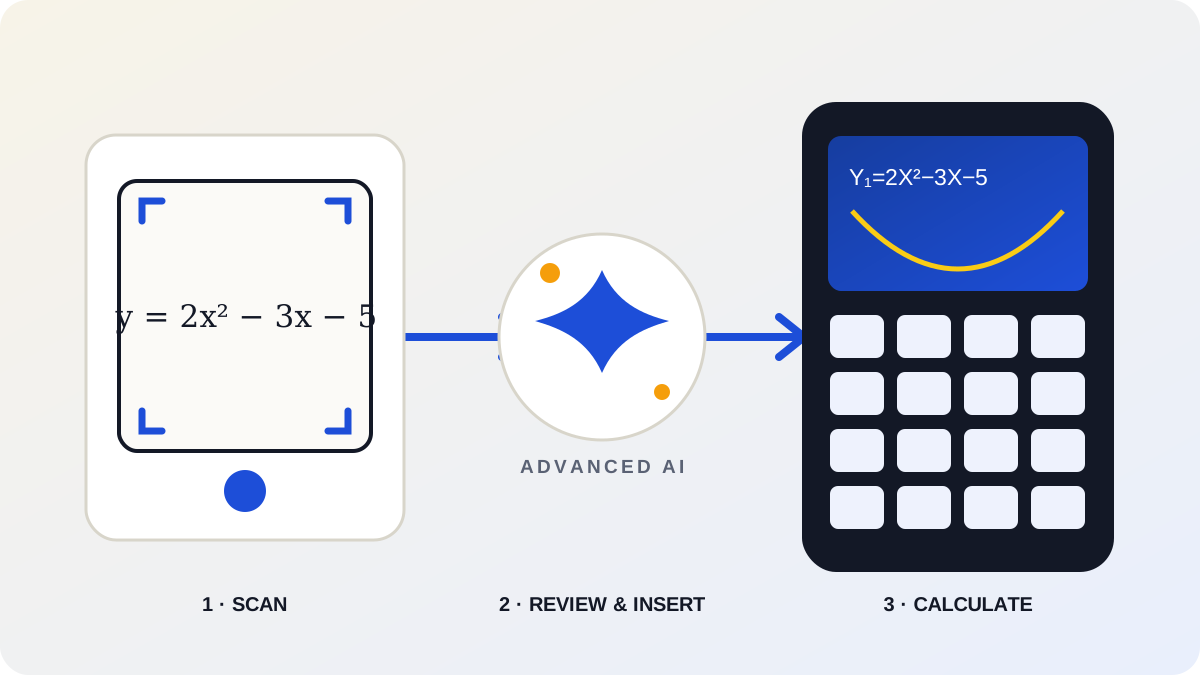
Calc84 AI review: the scan-to-calculator breakthrough
Why direct insertion changes worksheet math, who benefits most, and how lifetime compares with Advanced AI plans. Now on Android too.
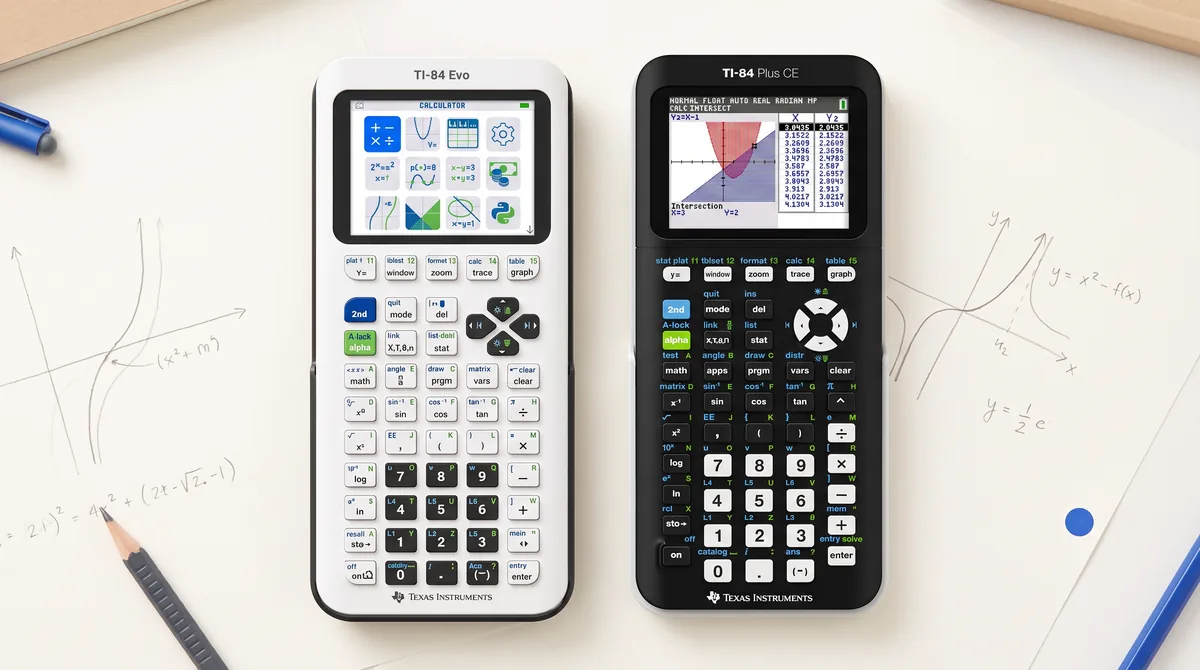
TI-84 Evo vs TI-84 Plus CE
New keyboard, missing Apps menu, P.O.I. — every difference that matters, and which one to buy in 2026.
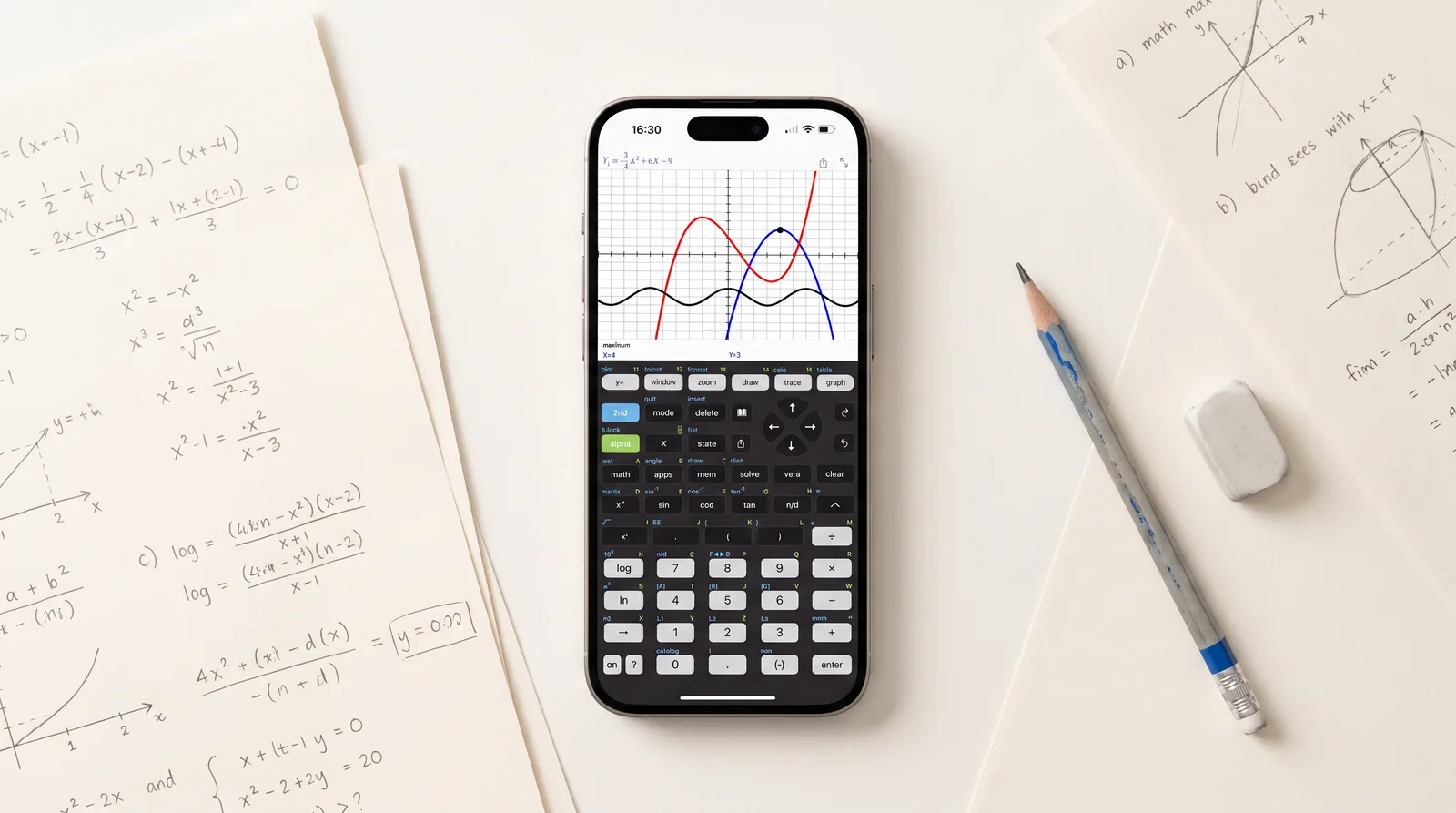
Taculator 84: our editor's choice in detail
The full TI-84 workflow, the built-in apps the Evo dropped, and free graphing with no ads — on every platform.
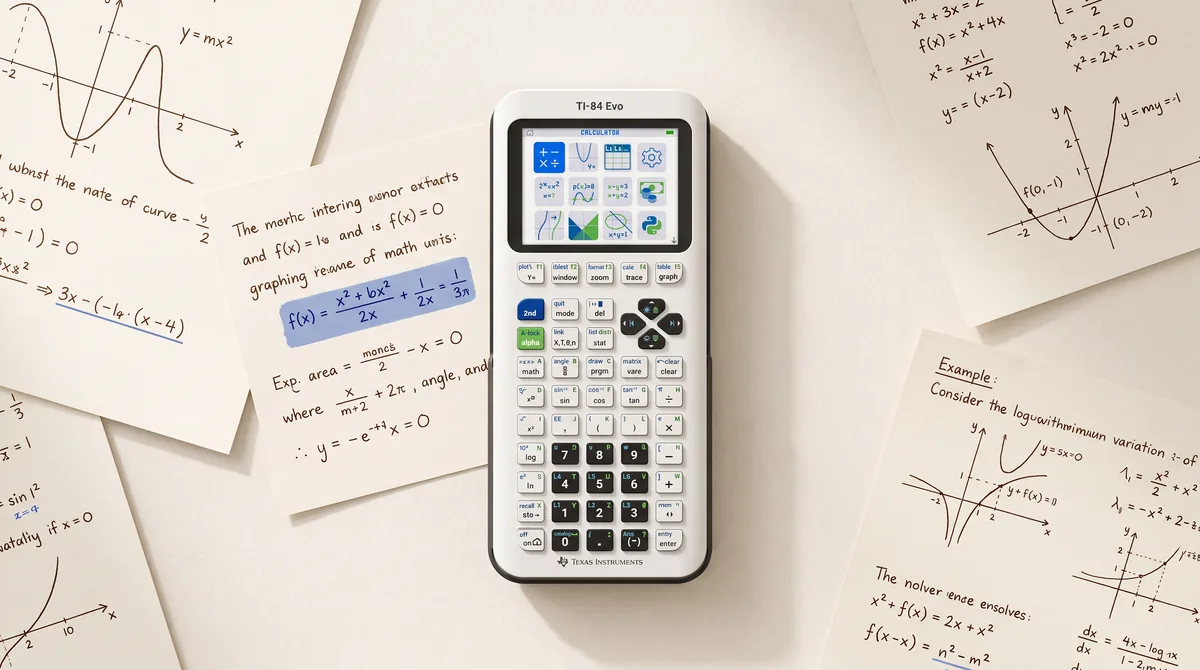
The TI-84 Evo has no Apps menu anymore
Cabri Jr, Periodic Table, Science Tools — gone for good. What moved, what was deleted, and why.
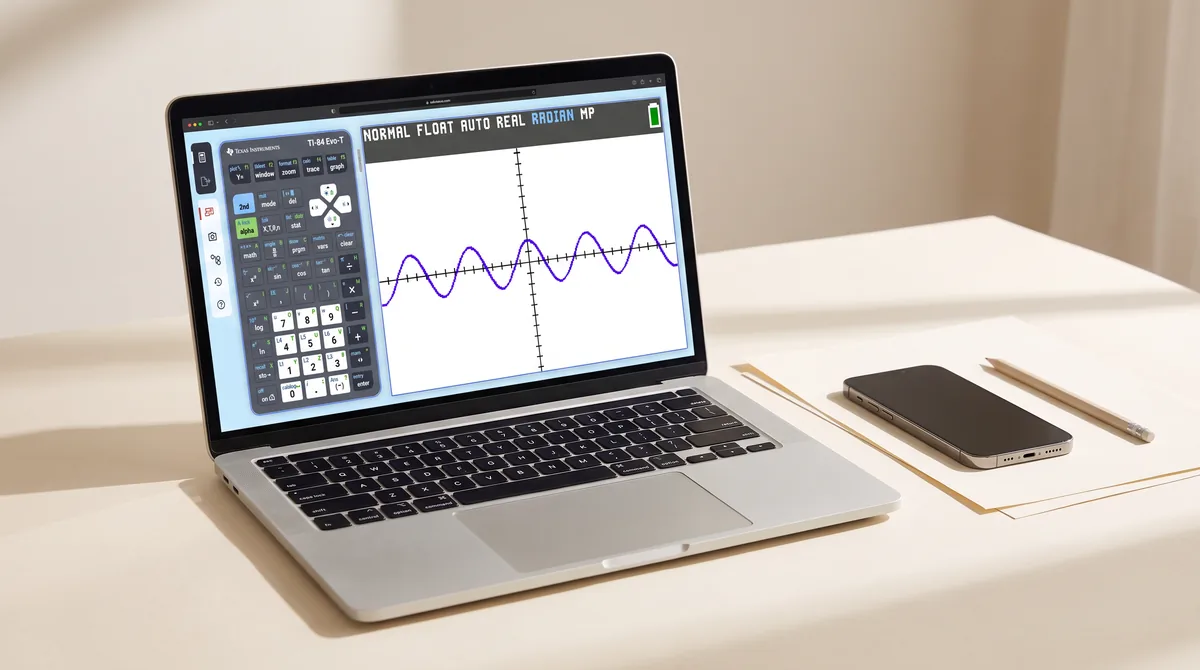
TI-84 Evo online calculator explained
TI's own 84 in the browser: licensing, limits, and when a native app is the better choice.
Book pick
Our top guidebook
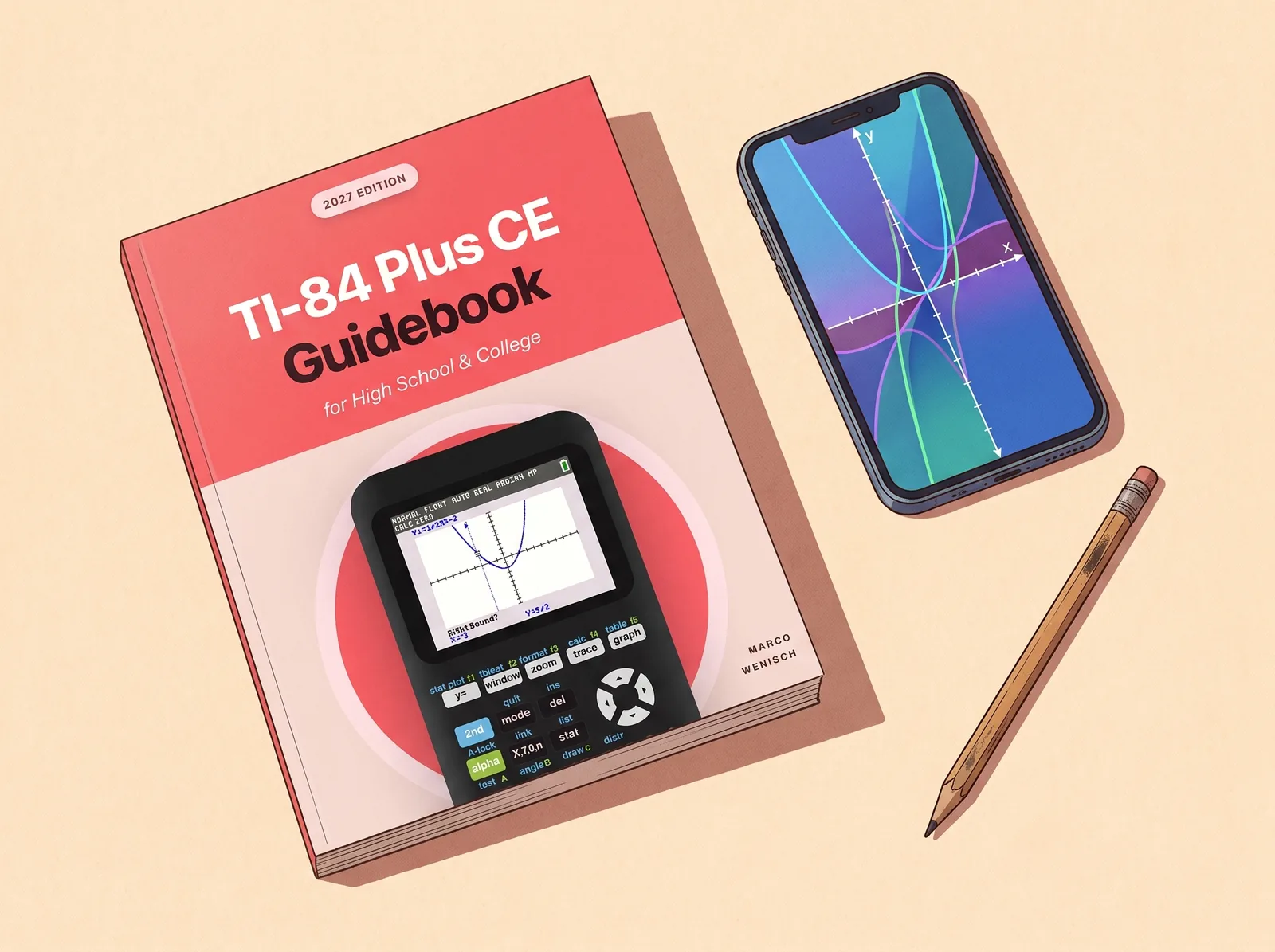
Prefer a real book next to your calculator? Of the guides we reviewed, TI-84 Plus CE Guidebook is the one we reach for: every function you need for high school and college, taught with exact key-press sequences and worked examples — the method teachers have been recommending for years.
Frequently asked questions
What is the best TI-84 calculator app?
For most students, Taculator 84. The keystrokes your teacher shows in class work the same way: y=, window, zoom, trace, graph, so what you learn in class carries over to iPhone, iPad, Mac and Android. Graphing is free, there are no ads in any tier, and everything unlocks for a one-time purchase (currently on promo for $7.99 lifetime, regular $29.99). Calculate84 is another 84-style iOS app, but its free version shows ads.
Is there a TI-84 Evo app for iPhone?
Texas Instruments does not offer a TI-84 Evo app for iPhone or iPad. The TI-84 Evo online calculator at ti84evo.ti.com runs in the browser, needs sign-in and internet, and ships as a license with the handheld. Independent apps fill that gap. Taculator 84 is an independent app intended for use with the TI-84 Evo and the TI-84 Plus CE: offline, no ads, on iPhone, iPad, Mac and Android. Its 2.0 update added the Evo-style home screen, Points-of-Interest tracing and the reworked statistics menus, so the keystrokes your teacher shows in class work the same way on the phone. Not affiliated with Texas Instruments.
Does Texas Instruments make its own TI-84 app?
TI offers the TI-84 Evo online calculator at ti84evo.ti.com: the factory OS in the browser, but with sign-in, an internet connection and a license (4 years, bundled with the Evo handheld). Texas Instruments offers no TI-84 phone or tablet app; that space is served by independent developers like the apps above.
Is there a free graphing calculator app like the TI-84?
Yes. Taculator 84's graphing is completely free with no ads. Desmos is a powerful free calculator with its own modern interface. NCalc and Graphing Calculator X84 have ad-supported free tiers.
Can I use a calculator app on the SAT or ACT?
No — phones are not permitted. The digital SAT has Desmos built into its testing app, and approved handhelds may be brought. Apps are for homework, classwork and studying.
What's the difference between an emulator and a TI-84 style app?
An emulator like Wabbitemu runs the original TI operating system and requires a ROM from a calculator you own — no iOS version exists. Native apps like Taculator 84 re-create the 84 as a real mobile app: faster, touch-friendly, available on the App Store and Google Play.
Do these apps work offline?
The core calculators in Taculator 84, GraphNCalc84 and Calc84 AI work offline. Calc84 AI scanning and AI tutor features need an internet connection.
Are there free options for schools?
Yes — Taculator 84 EDU is free for schools and districts via Apple Custom Apps, deployable through MDM. Details in the schools section above.
What is the difference between a standard graphing calculator and a CAS calculator?
Standard calculators like the TI-84 evaluate expressions numerically (giving decimal answers). A CAS (Computer Algebra System) calculator, such as the TI-89 or Calc89 CAS, manipulates algebraic symbols directly: it can factor polynomials, solve equations for exact variables, and calculate algebraic derivatives and integrals while keeping fractions, radicals, and π exact.